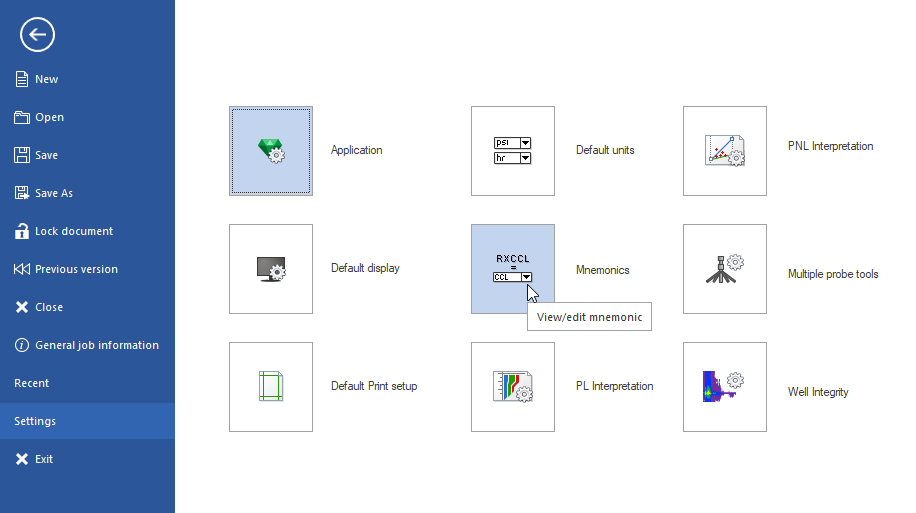
1- clean up option under settings/mnemonics
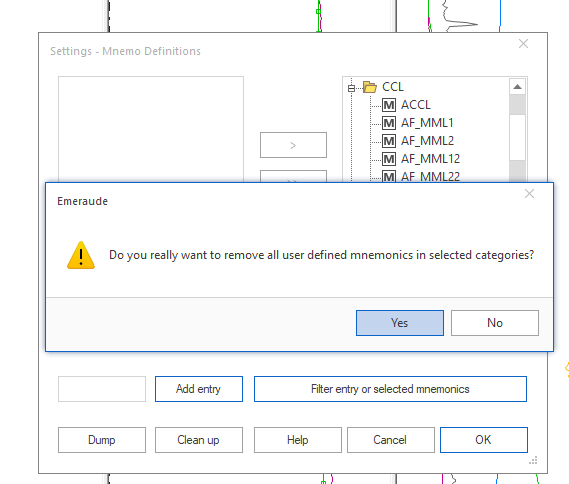
2-Removing specific mnemonics:
From Settings/Mnemonics, select all mnemonics you want to get rid of (can use shift to extend selection), and send to the left panel using <:
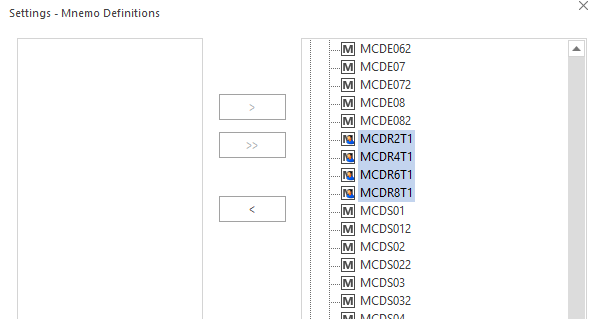
Before doing so, close all Emeraude docs which may contain theses mnemonics.
3-Removing all user-defined mnemonics
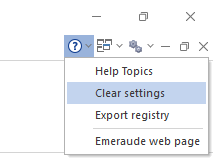
From Clear settings select only Mnemonics, then press OK:
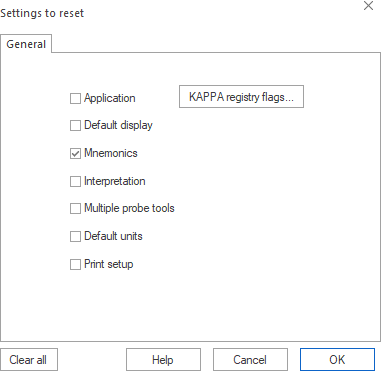
Make sure you untick all other options, otherwise it will remove your MPT tool definitions.
In both cases the mnemonics will be re-defined if you open an Emeraude doc containing these mnemo definitions.
Stephanie Bregoin
Comments